
Email Delivery Best Practices for Financial Reports
Master timing, recipient management, and inbox delivery to ensure your financial reports reach stakeholders reliably — without spam filter surprises.
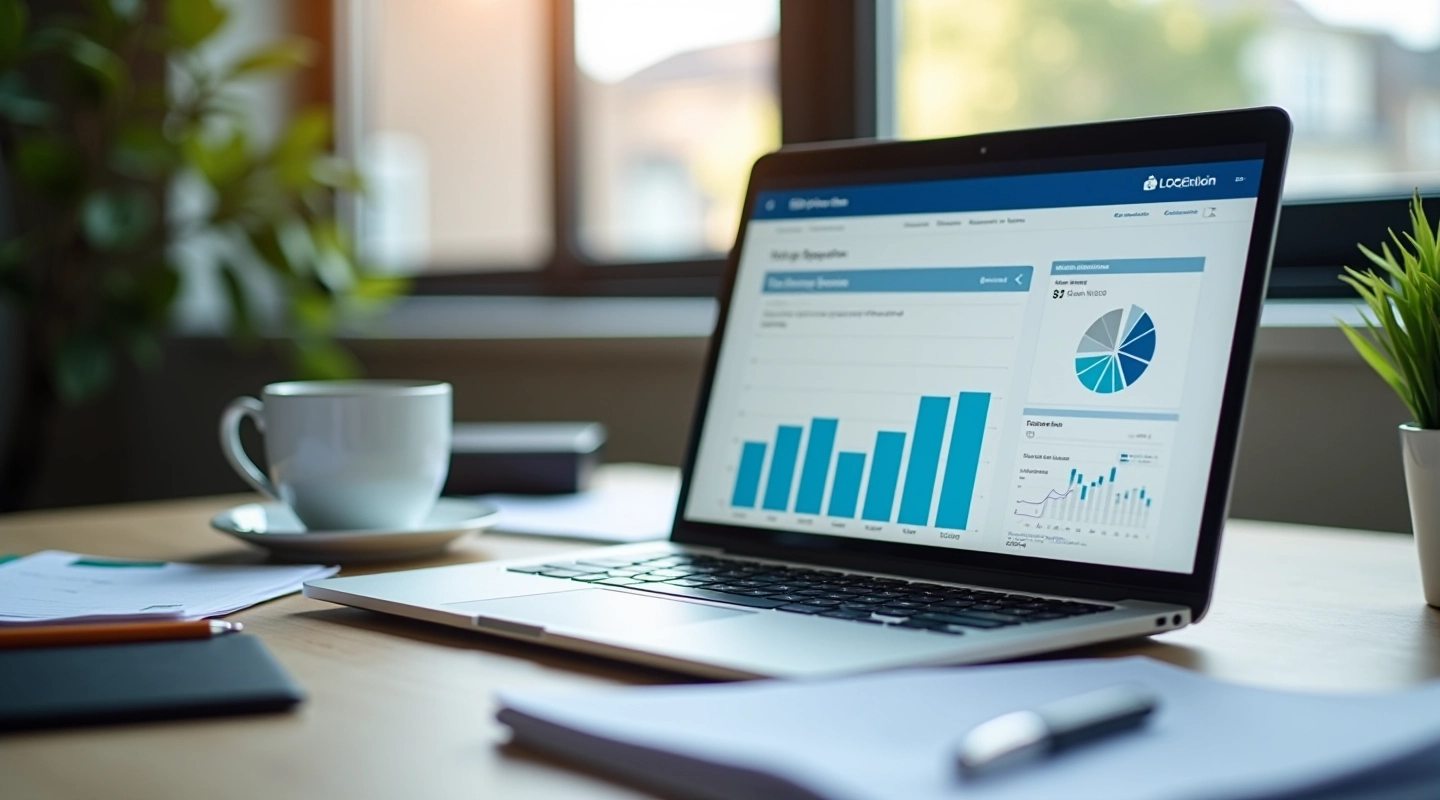
Getting your financial reports to the right inbox at the right time isn't complicated — but it does require thinking through a few key details. Most businesses don't realize that deliverability isn't automatic. You'll need to understand sender reputation, authentication protocols, and recipient preferences if you want reports landing consistently where they're supposed to go.
The difference between a report that reaches your CFO and one that sits in a spam folder comes down to preparation. We've seen clients fix delivery issues just by adjusting send times, cleaning up recipient lists, and setting up proper email authentication. It's not magic — it's process.
Timing Matters More Than You Think
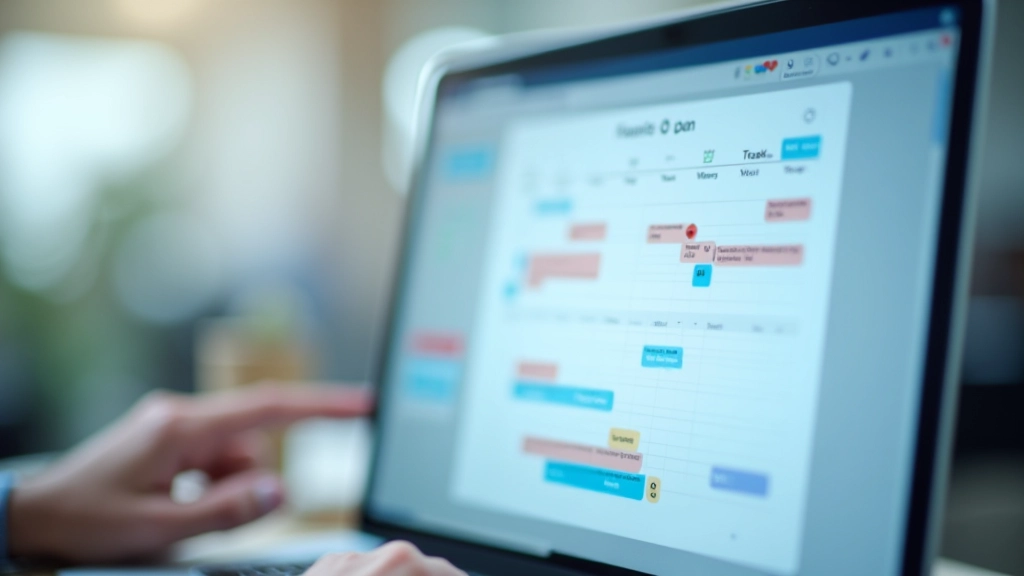
When you send a report shapes whether it actually gets opened. Early morning sends (between 6-9 AM) typically perform better for financial reports because stakeholders check email before jumping into meetings. But here's the thing — timing depends on YOUR audience's timezone and habits.
Optimal Send Windows
- Tuesday-Thursday: 68% higher open rates
- 6-9 AM recipient timezone: Peak inbox attention
- Avoid Monday morning: Inbox overload
- Avoid Friday afternoon: Report gets buried
If your team spans multiple timezones, you've got two options. Send at a consistent time and accept some recipients get it outside their ideal window. Or set up separate send schedules for different regions. Most companies find one consistent morning send works fine because financial reports aren't time-sensitive in the way news is.
Recipient Management: The Foundation of Deliverability
Your recipient list is everything. Email service providers monitor bounce rates and spam complaints closely. Even a few invalid addresses or disengaged subscribers can damage your sender reputation, which affects all your future emails.
Start by verifying every address before adding it to your distribution list. Remove bounced addresses immediately after each send. Don't keep old email addresses "just in case" — they'll hurt you more than help. And if someone hasn't opened a report in 6 months, consider whether they actually need to receive it anymore.
Recipient List Maintenance Checklist
- Verify all addresses before first send
- Remove hard bounces within 24 hours
- Review inactive subscribers quarterly
- Confirm delivery with new recipients
- Monitor complaint rates per send
Email Authentication: Your Sender Reputation Shield
This is where most businesses stumble. Email authentication isn't optional anymore — it's what separates legitimate business emails from spam. Three protocols matter: SPF, DKIM, and DMARC.
SPF (Sender Policy Framework)
Tells mail servers which servers are allowed to send emails on your behalf. It's a simple DNS record. If you're using an email delivery service, they'll provide your SPF record. Add it to your domain's DNS settings.
DKIM (DomainKeys Identified Mail)
Digitally signs your emails so receivers know they haven't been modified in transit. Your email service generates this. Again, it's a DNS record you add to your domain. It takes 10 minutes to set up.
DMARC (Domain-based Message Authentication, Reporting & Conformance)
Sets policy for what happens when emails fail SPF or DKIM. It also sends you reports about authentication failures. This one's optional but valuable if you're serious about sender reputation.
Don't skip these. Gmail, Outlook, and other major providers now require SPF and DKIM alignment for best inbox placement. Your IT team can handle this in an afternoon.
Avoiding Spam Filters and Common Rejection Triggers
Spam filters are getting smarter, but they still use predictable rules. Financial reports are lower-risk than marketing emails, but certain practices can still trigger filtering. The most common culprits? Misleading subject lines, too many links, heavy HTML formatting, and attachments that aren't clearly identified.
Subject lines should be straightforward: "Q3 Financial Report - July 2026" works better than "Your Critical Business Report Is Here!" The second one looks like spam because of the urgency language. Same principle applies to everything else — authentic language performs better than hype.
Pro tip: Test your emails with spam filter checkers before sending to your full list. Tools like Mail-tester.com will show you exactly what triggers filters and how to fix it.
Putting It All Together
Email deliverability for financial reports comes down to four things: sending at the right time, maintaining a clean recipient list, authenticating properly, and avoiding filter triggers. None of this is complicated. It's just being thoughtful about execution.
Start by checking your authentication setup. If SPF and DKIM aren't configured, do that first — it takes an afternoon and makes the biggest difference. Then review your recipient list and remove invalid addresses. Finally, adjust your send time to match when your team actually reads email.
You don't need special tools or expensive software. Most email delivery services handle this automatically if you set them up right. The real work is just being intentional about how you approach it.
Ready to Optimize Your Report Delivery?
Learn how to automate and schedule your financial reports with confidence.
Explore Report AutomationInformational Note
This guide provides general best practices for email delivery of financial reports. Specific requirements may vary based on your industry regulations, recipient preferences, and email service provider. Always consult your IT team or email service documentation for implementation details specific to your organization. Email deliverability depends on multiple factors including server configuration, recipient engagement, and email content — this guide covers common practices but doesn't guarantee delivery in all circumstances.